Community-maintained custom build based on Semaphore UI v2.19.7. This repository is not the official Semaphore UI repository.
This build adds:
- reliable Ansible Variable Group secret transport through JSON
--extra-vars; - correct handling of values containing spaces and special characters;
- multiline variable support for SSH/SFTP private keys and similar data;
- compact multiline fields in the Variable Group UI.
Current custom release: v2.19.7-custom.1
See CUSTOM_BUILD.md for technical details, build instructions, deployment, and upstream information.
Modern UI for Ansible, Terraform/OpenTofu/Terragrunt, PowerShell and other DevOps tools.


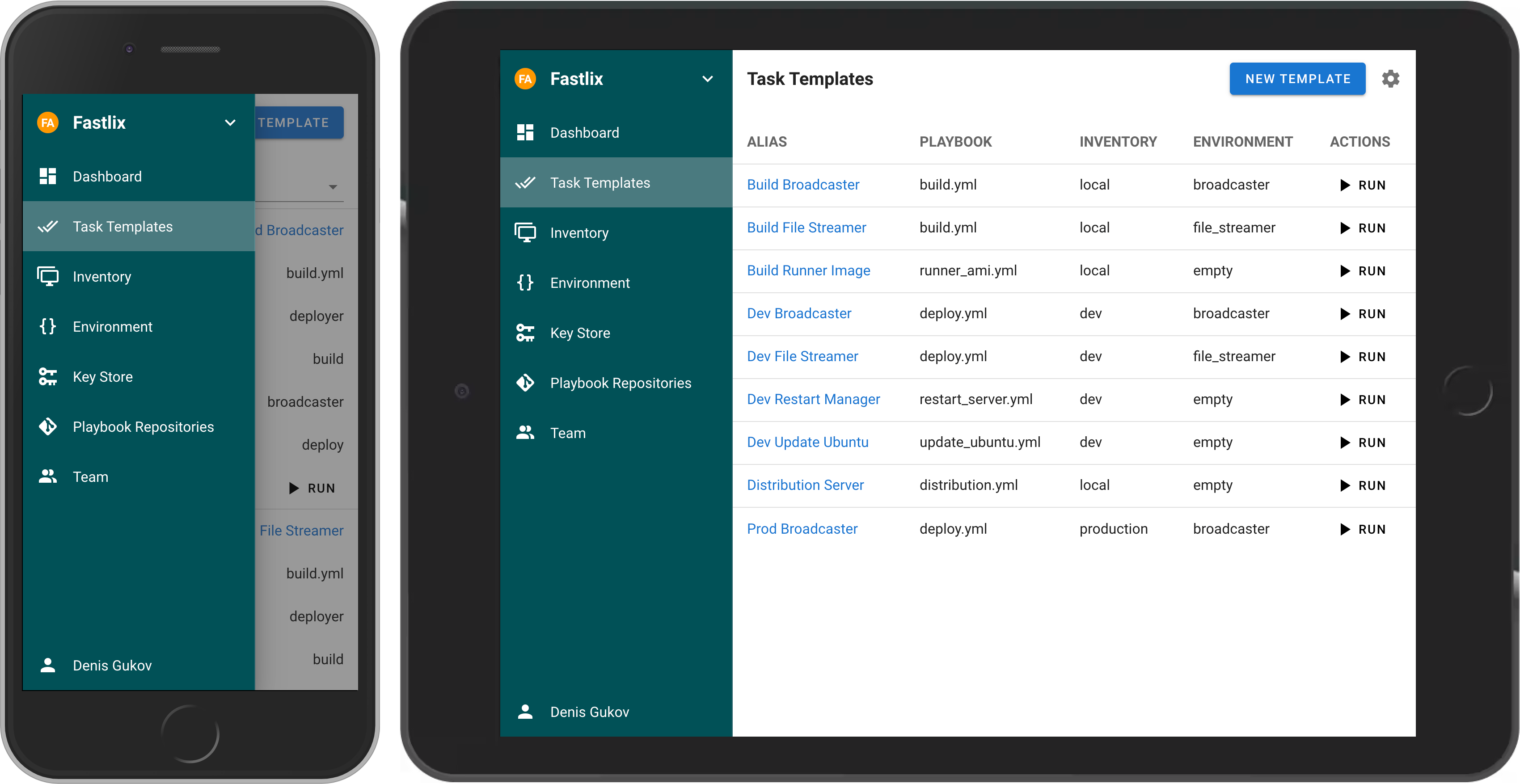
If your project has grown and deploying from the terminal is no longer feasible, then Semaphore UI is the tool you need.
Semaphore UI is a modern web interface for managing popular DevOps tools.
Semaphore UI allows you to:
- Easily run Ansible playbooks, Terraform and OpenTofu code, as well as Bash and PowerShell scripts.
- Receive notifications about failed tasks.
- Control access to your deployment system.
- Projects is a collection of related resources, configurations, and tasks.
- Task Templates are reusable definitions of tasks that can be executed on demand or scheduled.
- Task is a specific instance of a job or operation executed by Semaphore.
- Schedules allow you to automate task execution at specified times or intervals.
- Inventory is a collection of target hosts (servers, virtual machines, containers, etc.) on which tasks will be executed.
- Variable Group refers to a configuration context that holds sensitive information such as environment variables and secrets used by tasks during execution.
You can install Semaphore using the following methods:
- Docker
- Deploy a VM from a marketplace:
- Snap
- Binary file
- Debian or RPM package
The most popular way to install Semaphore is via Docker.
docker run -p 3000:3000 --name semaphore \
	-e SEMAPHORE_DB_DIALECT=sqlite \
	-e SEMAPHORE_ADMIN=admin \
	-e SEMAPHORE_ADMIN_PASSWORD=changeme \
	-e SEMAPHORE_ADMIN_NAME=Admin \
	-e SEMAPHORE_ADMIN_EMAIL=admin@localhost \
	-d semaphoreui/semaphore:latest
We recommend using the Container Configurator to get the ideal Docker configuration for Semaphore.
For more installation options, visit our Installation page.
A curated list of awesome things related to Semaphore UI.
- Ebdruplab — Ansible Collections — Ansible modules and a role for managing Semaphore.
- SemaphoreUI MCP Server — A Model Context Protocol (MCP) server that provides AI assistants with powerful automation capabilities for SemaphoreUI.
- Terraform SemaphoreUI Provider — Manage Semaphore UI resources using Terraform.
- PSSemaphore — A PowerShell module designed to work against the Ansible Semaphore REST API.
- Contribution Guide
- Dev Container (default user
admin/changeme)
MIT © Denis Gukov