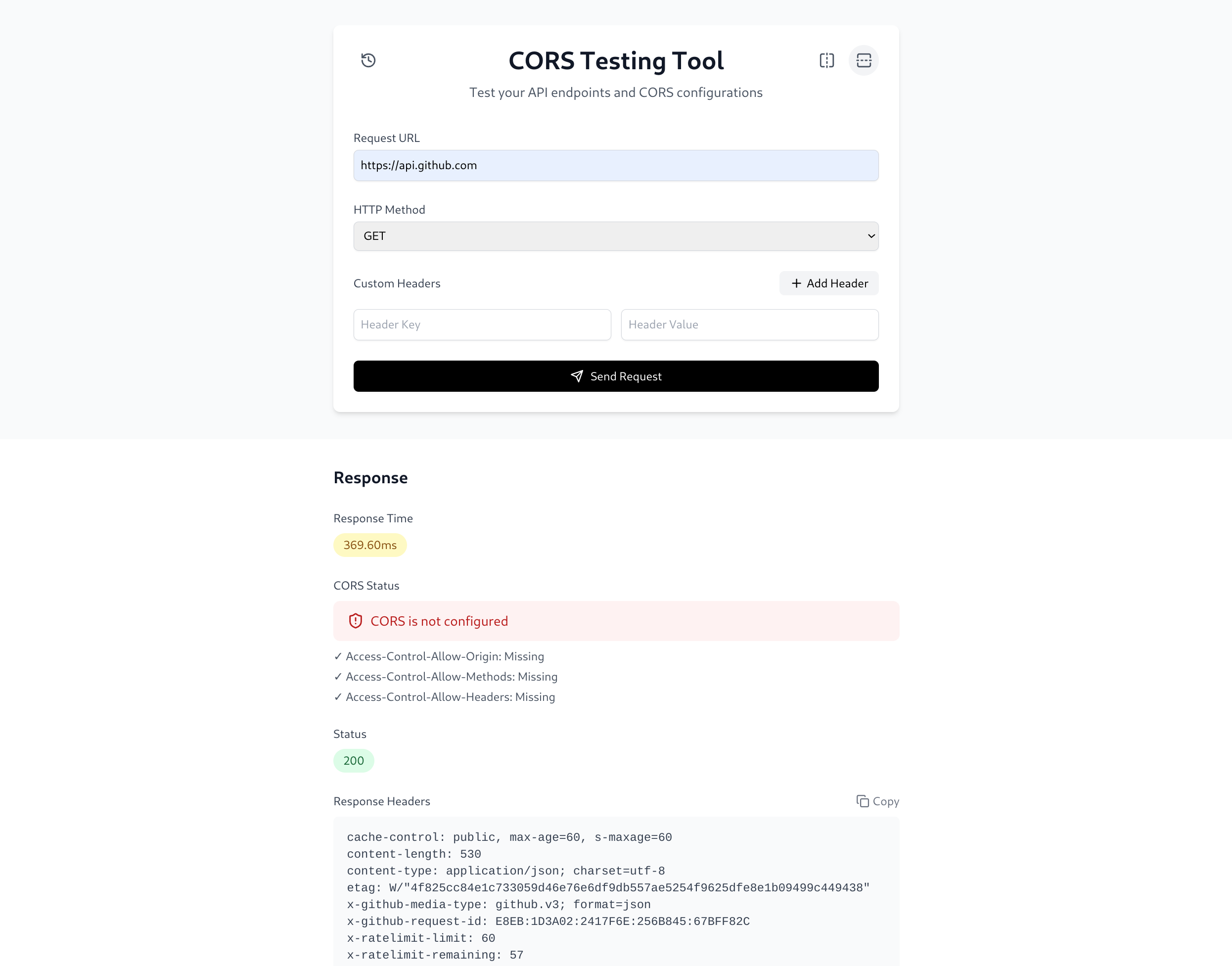
A powerful and user-friendly web application for testing CORS (Cross-Origin Resource Sharing) configurations and API endpoints. This tool helps developers validate CORS settings, test API responses, and debug cross-origin issues with ease.
Cross-Origin Resource Sharing (CORS) is a browser security mechanism that controls whether a web application can access resources hosted on a different origin (domain, protocol, or port).
By default, browsers enforce the Same-Origin Policy (SOP), which prevents JavaScript running on one website from reading responses from another website. Servers can relax this restriction by sending specific HTTP headers such as:
Access-Control-Allow-Origin
Access-Control-Allow-Methods
Access-Control-Allow-Headers
While CORS is not a vulnerability by itself, misconfigured CORS policies may allow attacker-controlled websites to access sensitive API responses, making CORS validation an important part of API security assessments.
CORSer helps developers, security engineers, and penetration testers:
- Inspect CORS-related response headers.
- Analyze allowed origins, methods, and headers.
- Test preflight (
OPTIONS) requests. - Identify common CORS misconfigurations.
- Debug cross-origin access issues.
- Validate API behavior from a security perspective.
A request made from:
https://attacker.com
to:
https://api.example.com
can only be read by browser JavaScript if the API explicitly allows the origin through CORS headers.
For example:
Access-Control-Allow-Origin: https://attacker.com
Access-Control-Allow-Credentials: true
Improperly configured CORS policies can unintentionally expose sensitive information to untrusted origins.
Note: CORS is enforced by browsers. A CORS issue becomes a security vulnerability when an attacker-controlled origin can read sensitive responses that should only be accessible to trusted origins.
-
Clone the repository:
git clone https://github.com/Toowan0x1/CORSer cd CORSer -
Install dependencies:
npm install
-
Start the development server:
npm run dev
-
Open your browser and navigate to:
http://localhost:5173
-
Clone the repository:
git clone https://github.com/Toowan0x1/CORSer cd CORSer -
Build the Docker image:
docker build -t CORSer . -
Run the container:
docker run -p 5173:5173 CORSer
-
Access the tool:
http://localhost:5173
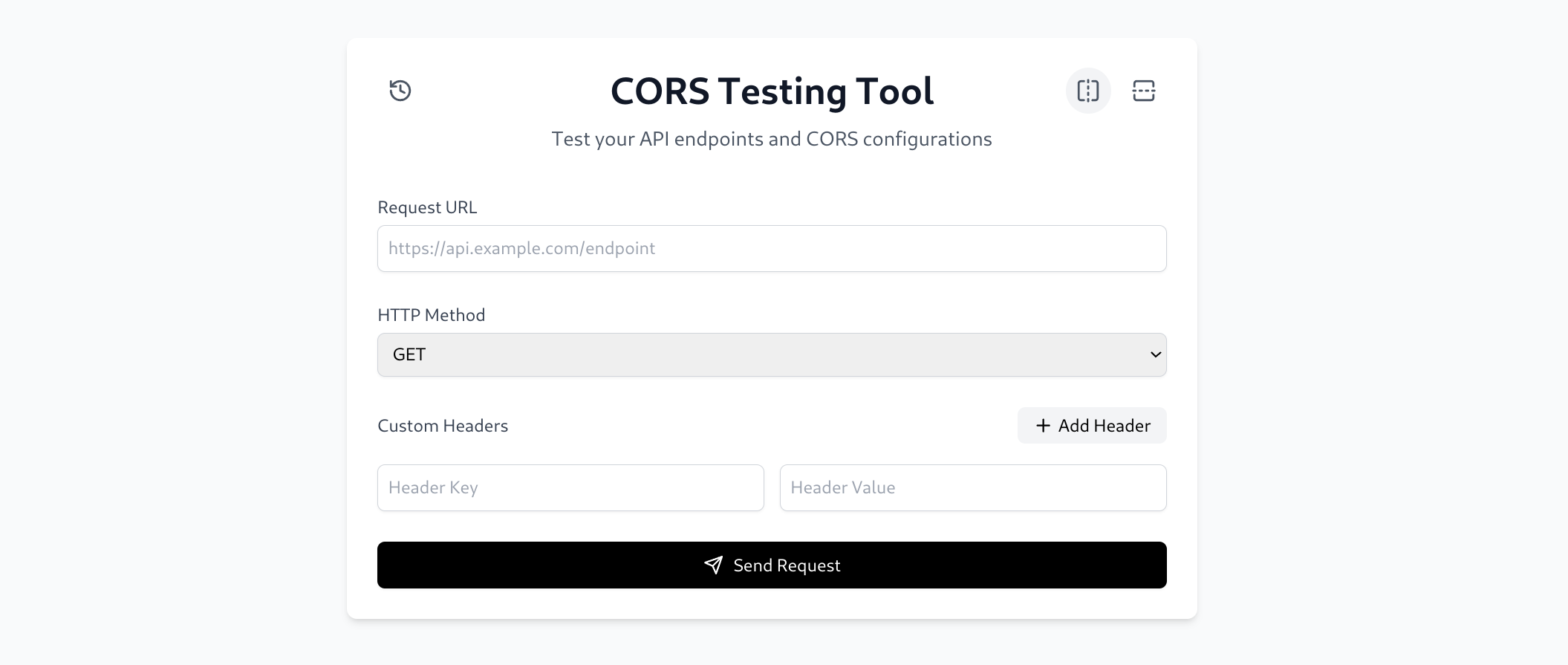
- Enter the target URL in the URL input field
- Select the HTTP method (GET, POST, PUT, DELETE)
- Add any required headers using the "Add Header" button
- Click "Send Request" to make the API call
The response section displays:
- Response time with performance indicators
- CORS configuration status
- HTTP status code
- Response headers with copy functionality
- Formatted response body with copy functionality
- Custom Headers: Add headers like Authorization, Content-Type, etc.
- HTTP Method Selection: Choose from GET, POST, PUT, DELETE, and more.
- Query Parameters Support: Append dynamic query parameters to requests.
- CORS Header Inspection: Analyze Access-Control-Allow-Origin, Access-Control-Allow-Methods, and Access-Control-Allow-Headers.
- Preflight Request Testing: Simulate OPTIONS requests to check preflight responses.
- Error Explanation: Provide insights into common CORS issues (e.g., missing headers, mismatched origins).
- Response Display: View response headers, status codes, and body in a structured format.
- History Log: Save recent tests for quick re-testing and reference.
- Clean & Intuitive Design: Easy-to-use interface for testing API requests.
- Flexible Layout Options:
- Horizontal View: Side-by-side request and response display.
- Vertical View: Stacked layout with request on top and response below.